安装Icecast#
我在使用Debian操作系统 所以为了方便我将使用apt包管理器安装
运行apt install icecast2
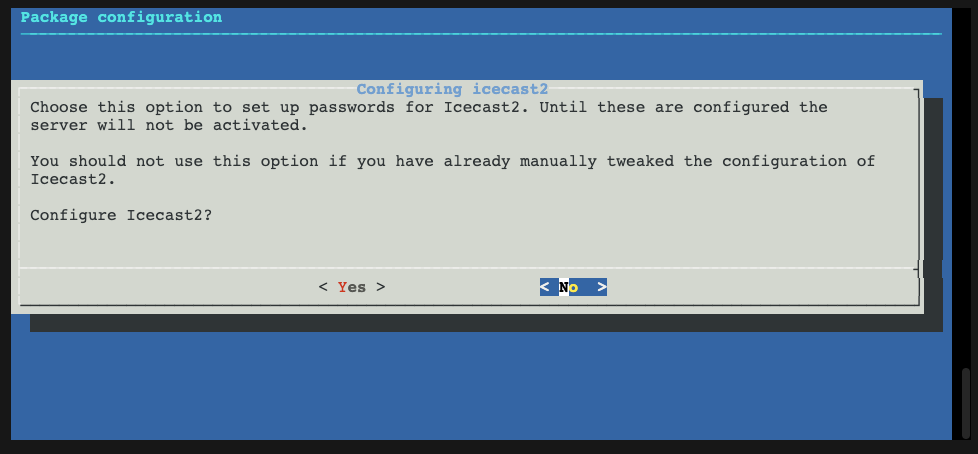
选择No需要后续自行修改xml文件 所以我直接选择Yes
按照提示设置即可
运行Icecast#
systemctl start icecast2 可以运行icecast2
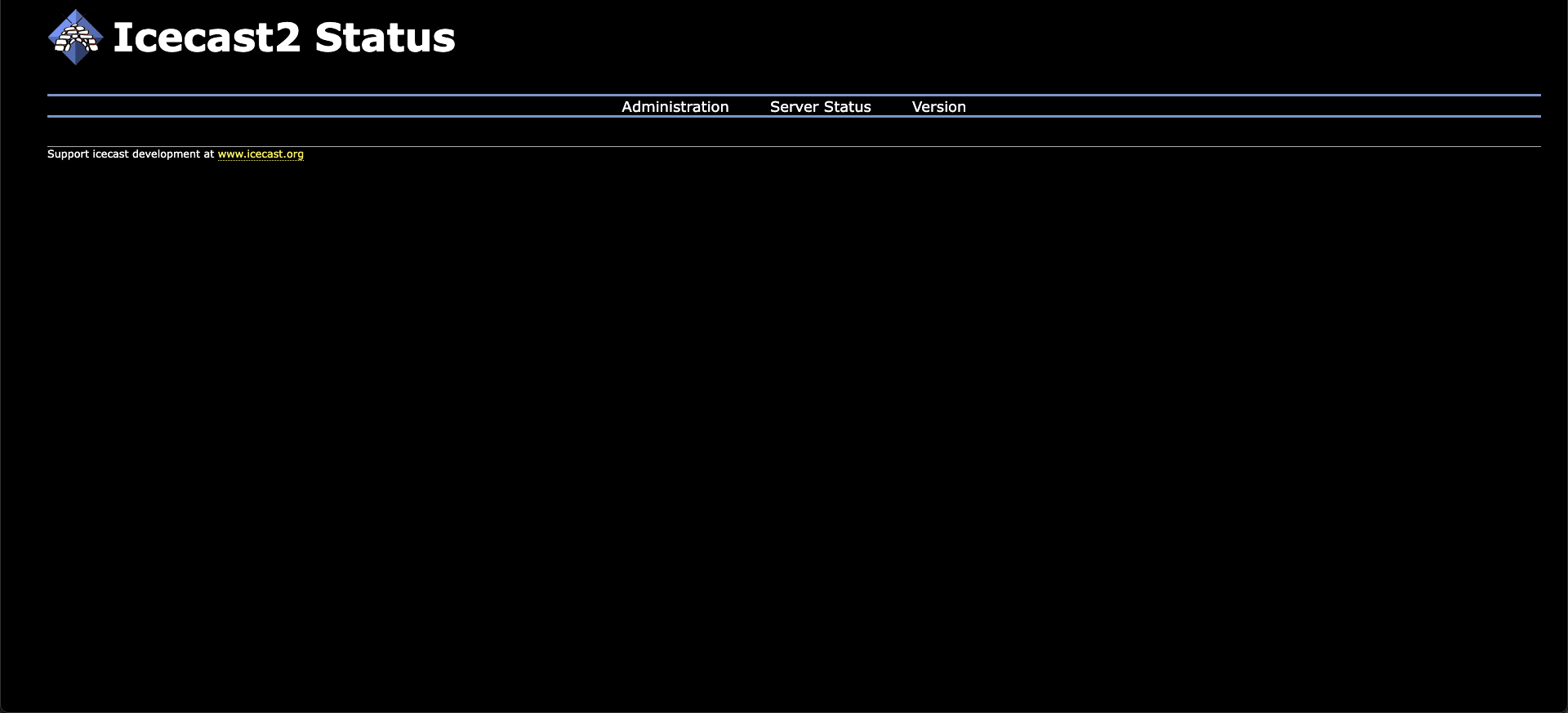
然后访问对应地址的8000端口
进行推流#
ffmpeg#
这里为了方便 可以直接用ffmpeg进行推流?
curl -T sample.mp3 <http://localhost:8000/adminVuMeter.pl\\?username=admin\\&password=your_strong_password_here>
mixxx#
mixxx是一个开源的DJ软件(同时内置推流功能)
还没有已公开的评论。